Apache Guacamole으로 구현한 Citrix VDI 대체 환경 구축기
개요
Citrix Virtual Apps & Desktops 없이도, Apache Guacamole + Windows Server AD + RDP + Docker Compose 조합으로 유사한 VDI 환경을 구성할 수 있습니다.
본 구성은 Rocky Linux 9.6 + Docker Compose 기반에서 구동되며, Windows Server 2022 AD와의 연동, 도메인 계정을 통한 Guacamole 인증 및 RDP 연결까지 완전히 구현했습니다.
전체 구성 개요
| 구성 요소 | 설명 |
|---|---|
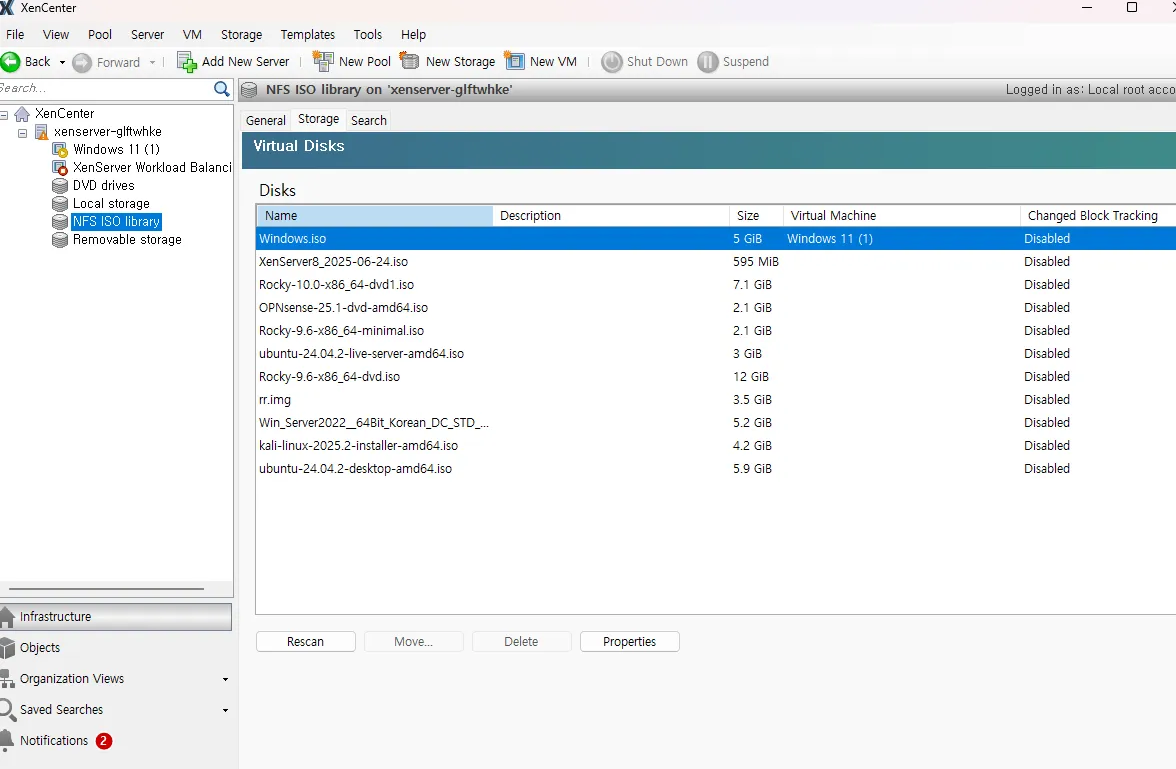
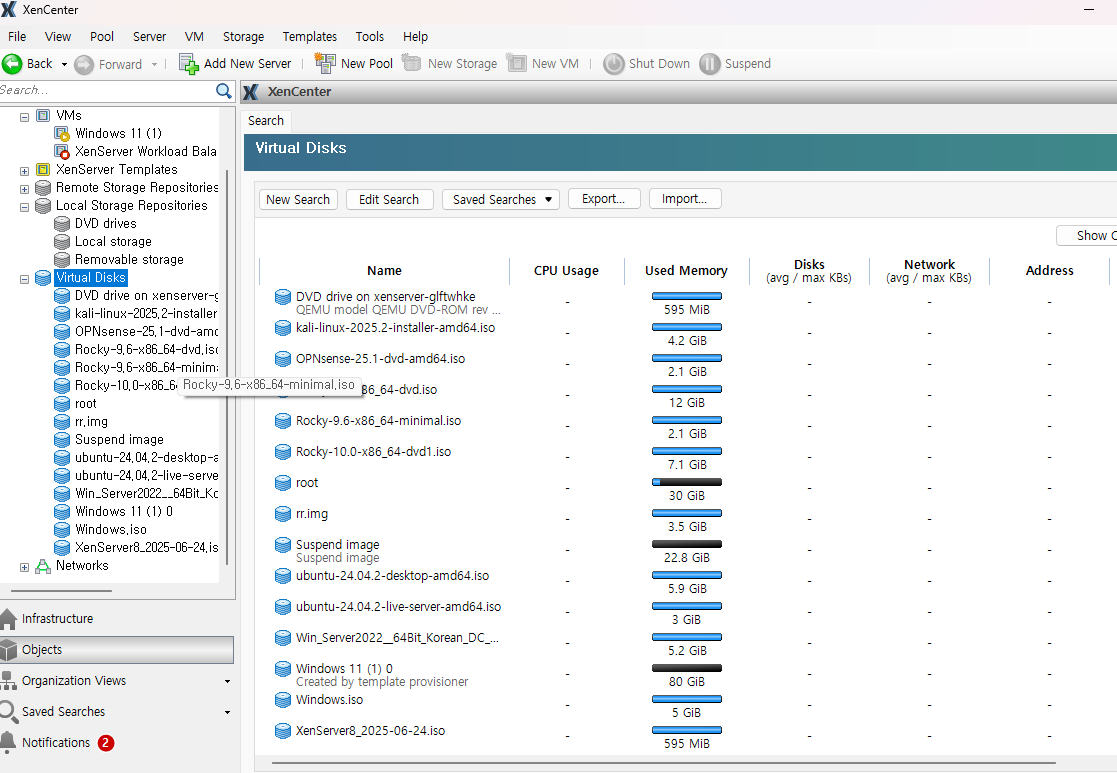
| Hypervisor | Citrix XenServer (XenCenter로 관리) |
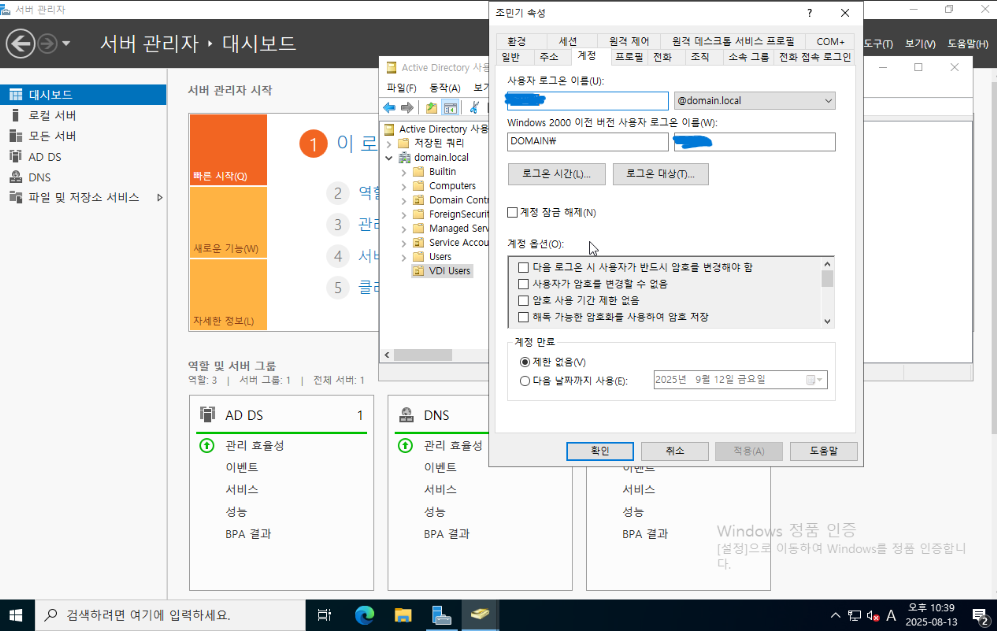
| AD 서버 | Windows Server 2022 (IP: 192.168.1.21) |
| 클라이언트 VM | Windows 11 (IP: 192.168.1.22) |
| VDI 게이트웨이 | Guacamole (Rocky Linux 9.6 + Docker Compose, IP: 192.168.1.11) |
| 인증 방식 | LDAP (Active Directory) + RDP |
Guacamole 구성 디렉터리
/home/min/download/guacamole/
├── docker-compose.yml
├── guacamole/
│   └── guacamole.properties
├── db/                  # PostgreSQL 볼륨
├── extensions/          # LDAP 확장 JAR
Docker Compose로 Guacamole 구성
docker-compose.yml
version: "3"
services:
  postgres:
    image: postgres:15
    container_name: guac-postgres
    environment:
      POSTGRES_USER: guac
      POSTGRES_PASSWORD: guacpass
      POSTGRES_DB: guacamole_db
    volumes:
      - ./db:/var/lib/postgresql/data
    restart: unless-stopped

  guacd:
    image: guacamole/guacd:1.5.5
    container_name: guacd
    restart: unless-stopped

  guacamole:
    image: guacamole/guacamole:1.5.5
    container_name: guacamole
    depends_on: [guacd, postgres]
    environment:
      GUACD_HOSTNAME: guacd
      POSTGRES_HOSTNAME: postgres
      POSTGRES_DATABASE: guacamole_db
      POSTGRES_USER: guac
      POSTGRES_PASSWORD: guacpass
    volumes:
      - ./extensions:/opt/guacamole/extensions
      - ./guacamole:/etc/guacamole
    ports:
      - "8875:8080"
    restart: unless-stopped
LDAP 설정 (guacamole.properties)
ldap-hostname: 192.168.1.21
ldap-port: 389
ldap-encryption-method: none
ldap-user-base-dn: OU=VDI Users,DC=domain,DC=local
ldap-group-base-dn: DC=domain,DC=local
ldap-username-attribute: sAMAccountName
ldap-search-bind-dn: CN=svc_guac,OU=Service Accounts,DC=domain,DC=local
ldap-search-bind-password: testpasswd!
ldap-member-attribute: memberOf
ldap-follow-referrals: false
Guacamole DB 초기화
docker run --rm guacamole/guacamole:1.5.5 \
  /opt/guacamole/bin/initdb.sh --postgresql \
| docker exec -i guac-postgres psql -U guac -d guacamole_db
이후
docker compose restart guacamole으로 재기동
Win11 설정 (도메인 가입 및 RDP 권한)
- Win11 DNS 서버를 AD 서버로 설정
IPv4 → 수동 DNS →192.168.1.21 - 도메인 가입
domain.local에 가입- 계정:
Administrator
- 재부팅 후 도메인 계정으로 로그인
- 예:
DOMAIN\vdiuser1
- 예:
- RDP 권한 부여 (Win11에서 CMD)
net localgroup "Remote Desktop Users" DOMAIN\vdiuser1 /addGuacamole 연결 설정 (웹 UI)
- Connection Name: Win11
- Protocol: RDP
- Hostname:
192.168.1.22 - Username:
DOMAIN\vdiuser1 - Password: (AD 비밀번호)
- Security mode: NLA
- Ignore server certificate: ✔️
최종 테스트
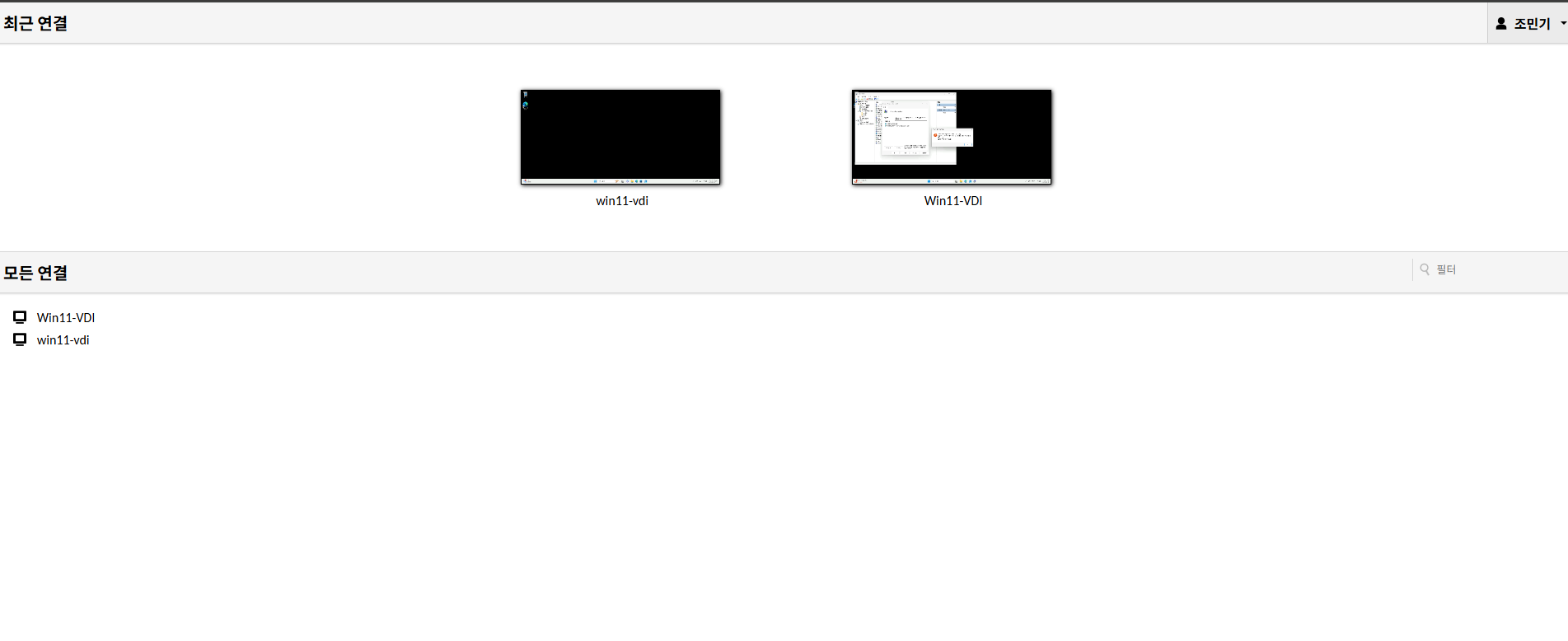
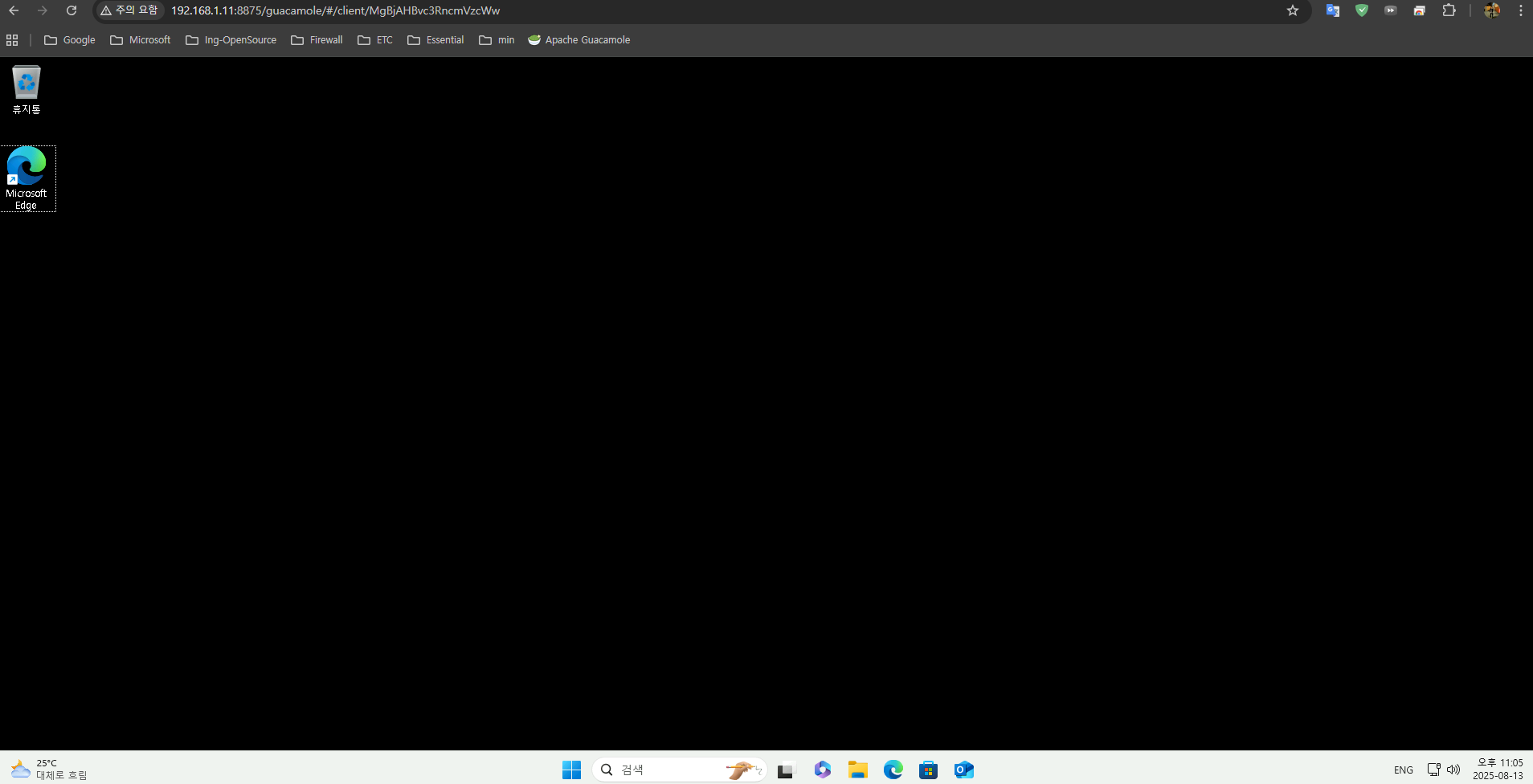
→ 바로 Win11 원격 데스크톱 접속 확인
Guacamole 웹 접속: http://192.168.1.11:8875/guacamole
로그인: vdiuser1 / <AD 비밀번호>